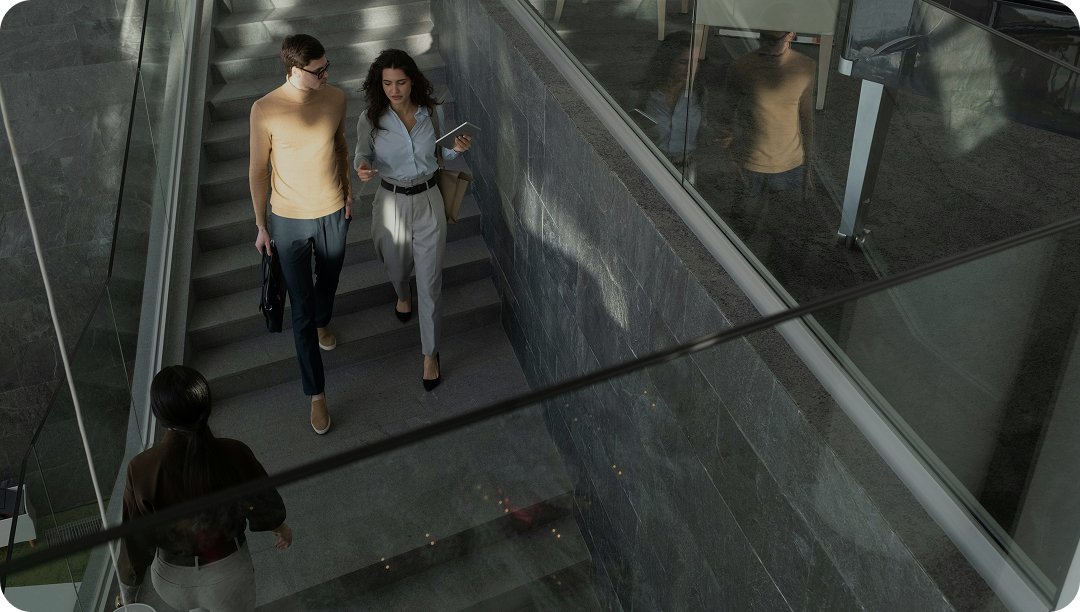

Control your workspace in real time
Pulse gives occupants direct control over their environment by connecting to the technologies through the interface. Adjust temperature, lighting, or get access to rooms, without going through support.
No repetitive requests. No delays.















THE TRIGRR ECOSYSTEM
One unified platform for every stakeholder

Where occupants interact with your building
Direct control for tenants, less workload for your teams:
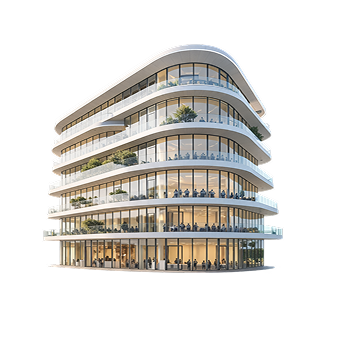

Common layer, connecting every building system
Real-time control experience over the building environment
Track portfolio performance from personalised dashboards
Proactive anomaly and fault detection
BENEFITS
Turn your buildings into responsive workspaces
Workspaces change throughout the day, so they can’t rely on fixed settings. Pulse lets occupants adjust their environment, within the limits you define.

Give occupants controlled autonomy
Occupants adjust their workspace within defined rules set by your teams.

Reduce operational workload
Common requests are handled directly by occupants, without repetitive manual interventions from operations teams.

Improve how spaces are used
Spaces react to actual usage patterns rather than predefined or fixed schedules.

Improve day-to-day experience
Responsive environments and visibility on usage tendencies lets you improve comfort, satisfaction and long-term occupancy.
FEATURES
Control, access, and use your buildings in real time
Pulse enables occupants to interact with your building systems through simple and intuitive interfaces.
Interact with your spaces
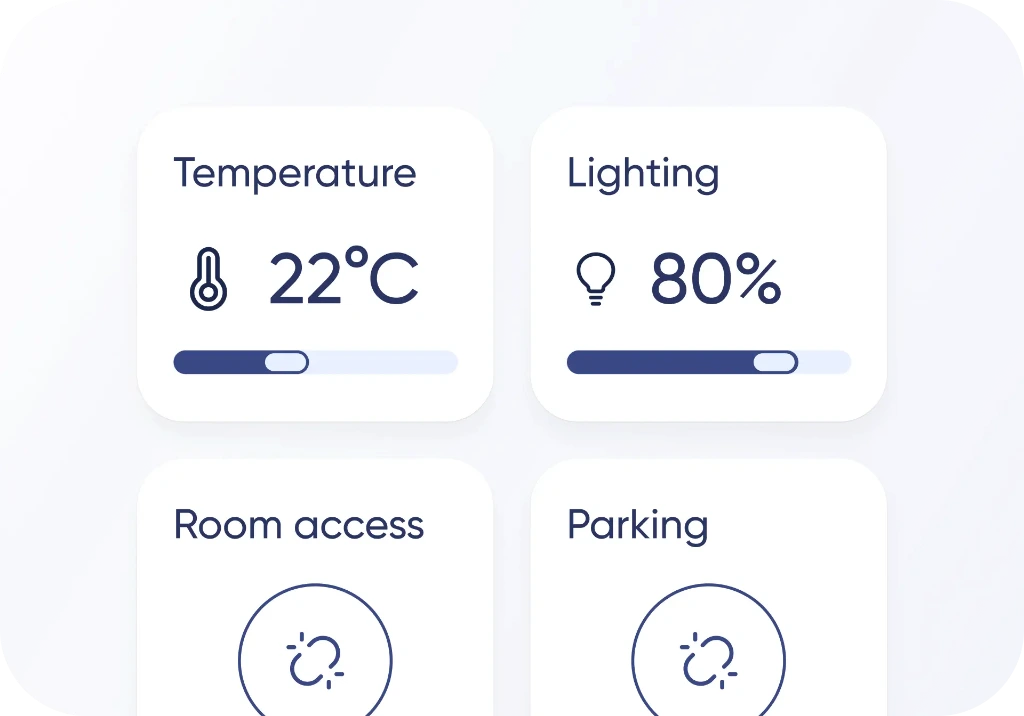

Live control
Adjust temperature, lighting and other connected technologies directly from your phone.
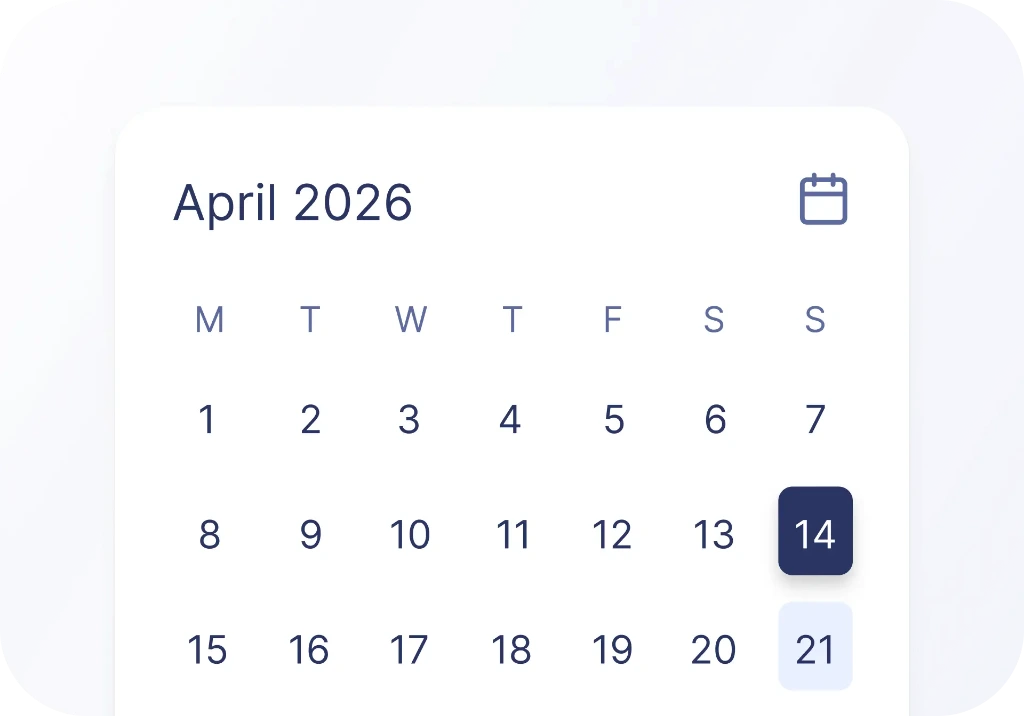

Calendar
View schedules, room availability or other relevant information.
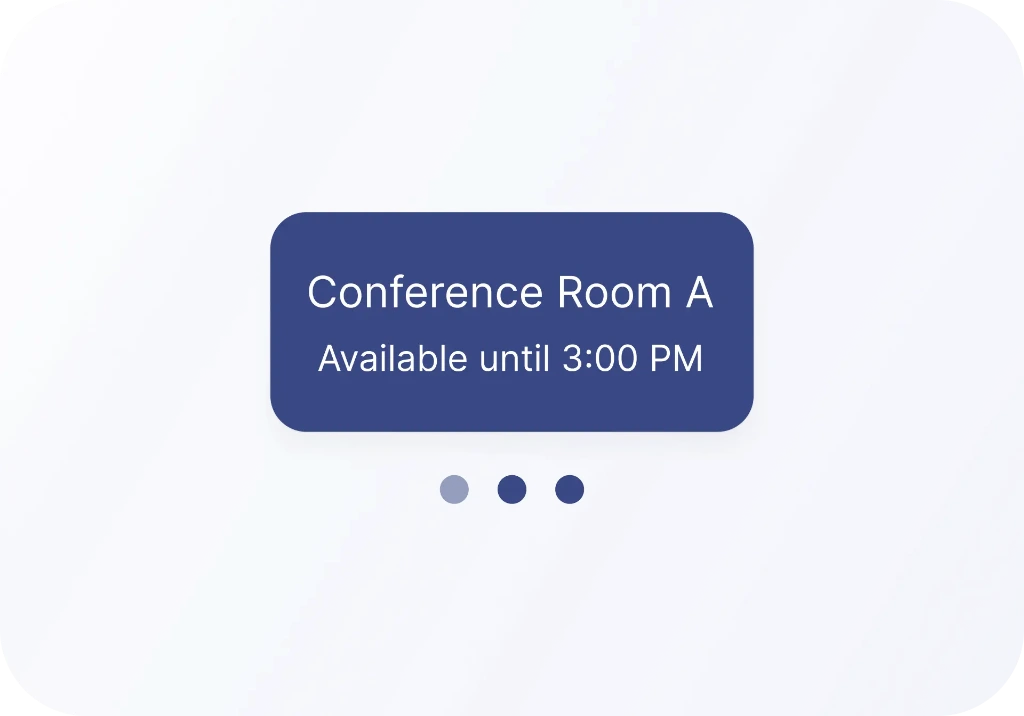

Information display in shared spaces
Share schedules, building updates or content on screens across the building.
Access control and user management
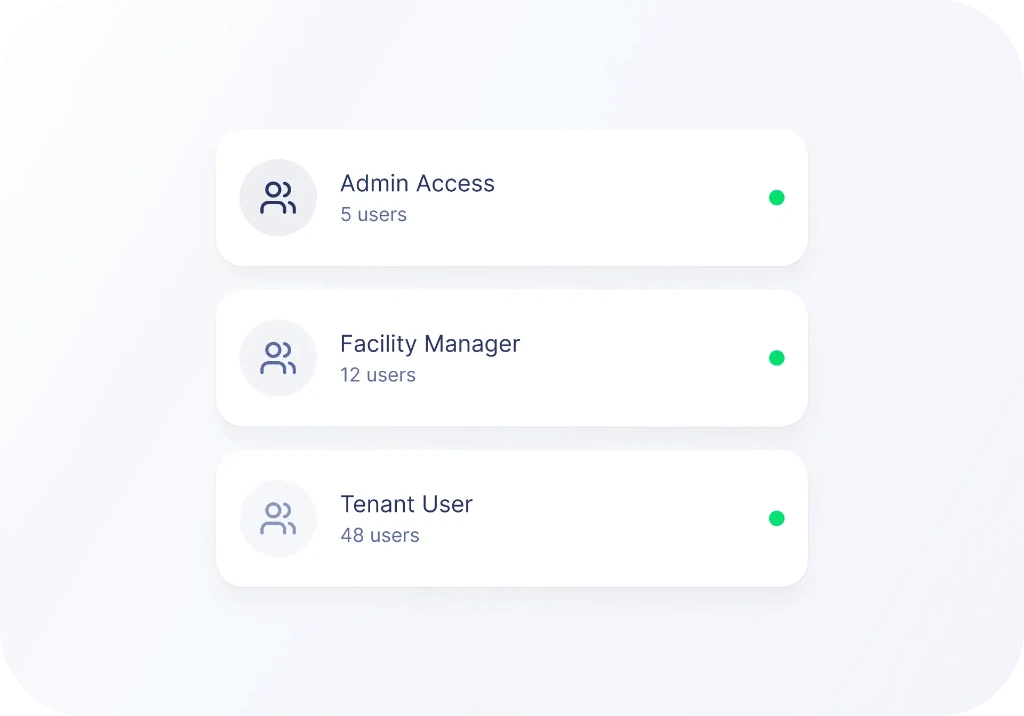

Manage users and access
Define specific roles with access to specific spaces, services or controls.

Customizable user mobile interface
Adapt interfaces to your buildings layout, services and occupant needs.

From anywhere
Access all controls and services from a single web app.

 Coming soon
Access and control via NFC tag
Interact through physical touch points to access controls and services.
Enrich your current tools


Extend the frictionless experience across your portfolio
Give every occupant the same simple way to interact with your buildings. Pulse works across assets with consistent interfaces and rules while adapting to each building’s setup.
WORKFLOWS
How Pulse extends everyday interactions
Your BOS deployment starts from the systems already installed in the building.
Assessment & technology mapping
Your integrator reviews your systems and identifies key interactions that matter (comfort, access, services).
System integration
Systems are connected through Trigrr's library of connectors. Pulse uses Source to access real-time data.
Data structuring
Equipment and data are unified, ensuring consistent and usable information across the platform.
Define access and permissions
Define what users can see and control. Assign permissions based on users and spaces.
Testing & go-live
All systems are connected and ready to be monitored, controlled, and automated.